
Competition management
Expenses log
Registrations tell you what came in; the expenses log tells you what the event actually earned. Log what you spend (venue, judges, medals, equipment) and the dashboard's net revenue becomes your real bottom line.
How it works
The Expenses page lives in the Financial section. Each entry is just a label, an amount, and a date: the inline form adds one in seconds, and the list keeps a running total.
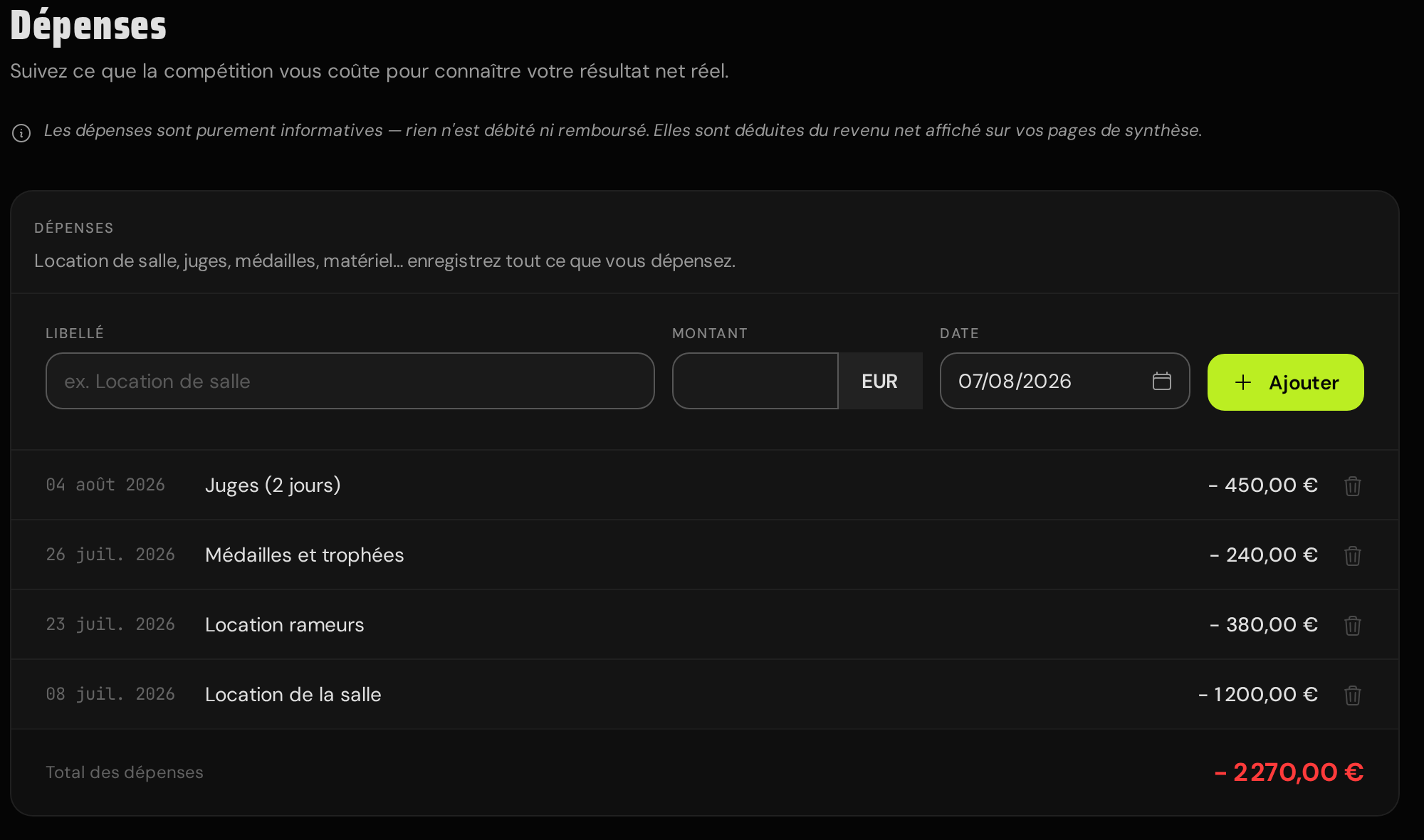
Once logged, expenses flow into the numbers you already look at: the Financial overview shows the total and a net revenue figure (estimated payout minus expenses), and the competition's main overview deducts them from its Net Revenue tile.
What it is, and isn't
Expenses are purely informational bookkeeping. Adding or deleting one moves no money: nothing is charged, nothing is refunded, and Stripe never hears about it. They're private to you as the organizer and never appear on any public page.